
M3M Mapping Tips for Solar Farms in Mountain Terrain
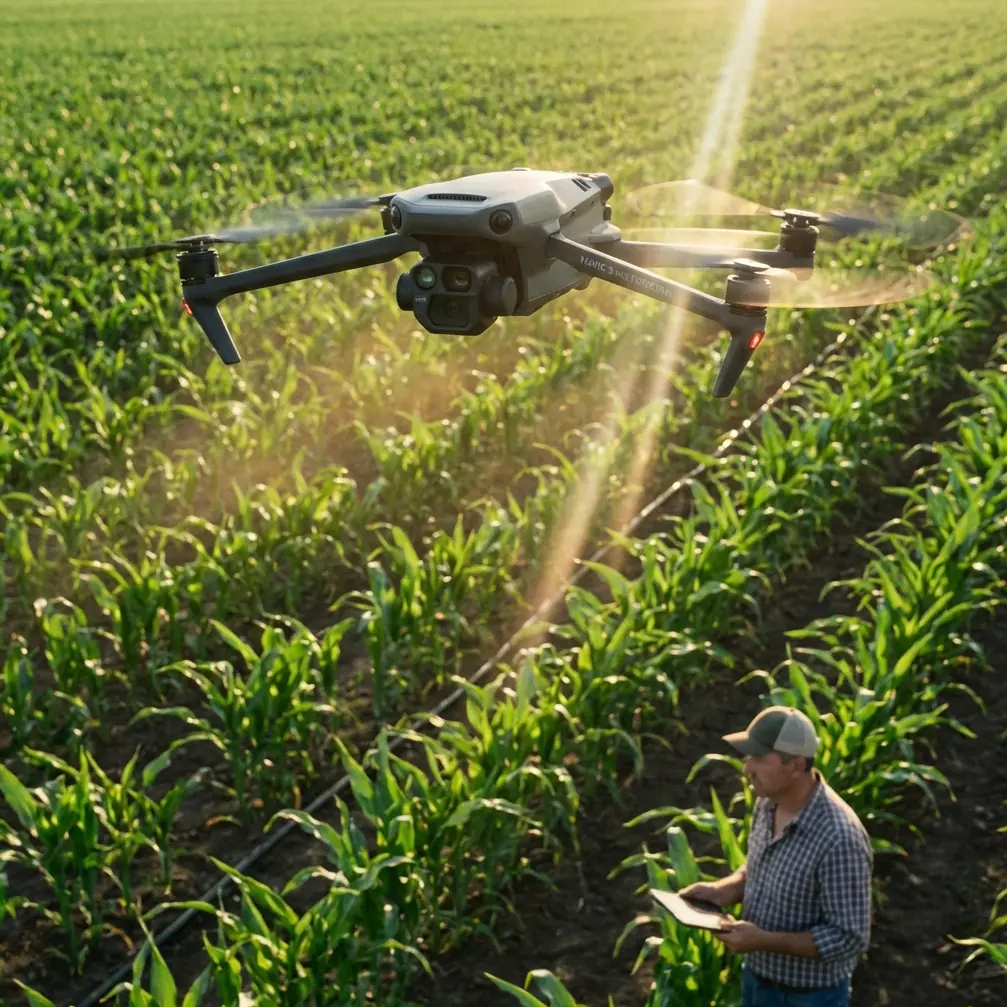
M3M Mapping Tips for Solar Farms in Mountain Terrain
META: Master Mavic 3M solar farm mapping in mountains with expert tips on RTK setup, multispectral imaging, and flight planning for accurate terrain data.
TL;DR
- Pre-flight sensor cleaning prevents data corruption and ensures accurate multispectral readings across all 4 spectral bands plus RGB
- Mountain terrain requires RTK Fix rate above 95% for reliable centimeter precision mapping
- Optimal swath width settings reduce flight time by 30-40% while maintaining overlap accuracy
- Temperature differentials in mountain environments demand specific calibration protocols for consistent results
Why Mountain Solar Farm Mapping Demands Specialized Techniques
Solar farm inspections in mountainous regions present unique challenges that flat-terrain operators never encounter. The Mavic 3M's multispectral imaging system captures data across Green, Red, Red Edge, and NIR bands at 5MP each, but mountain conditions can compromise accuracy without proper preparation.
This guide walks you through the exact workflow I use when mapping solar installations at elevations above 1,500 meters. You'll learn pre-flight protocols, RTK configuration for challenging terrain, and post-processing techniques that deliver actionable thermal and vegetation stress data.
The Critical Pre-Flight Cleaning Protocol
Before discussing flight parameters, let's address the step most operators skip—and regret.
Why Sensor Cleaning Affects Safety and Data Quality
Mountain environments expose your Mavic 3M to:
- Fine particulate dust that accumulates on lens surfaces
- Pollen and organic debris during spring and summer operations
- Moisture residue from rapid temperature changes
- Insect contamination during dawn and dusk flights
The multispectral sensors on the M3M use precisely calibrated optical paths. Even microscopic contamination creates inconsistent readings across your spectral bands.
The 5-Minute Pre-Flight Sensor Protocol
Follow this sequence before every mountain mission:
- Power off the aircraft completely—never clean powered sensors
- Use a rocket blower (not compressed air) to remove loose particles from all camera surfaces
- Apply lens cleaning solution to a microfiber cloth, never directly to lenses
- Wipe in circular motions starting from center, moving outward
- Inspect obstacle avoidance sensors—contamination here affects flight safety in complex terrain
Expert Insight: I carry a dedicated cleaning kit in a sealed bag. Mountain humidity causes cleaning cloths to absorb moisture, which then transfers to lenses. Replace cloths daily during multi-day mapping projects.
Calibration Panel Positioning
Your reflectance calibration panel requires specific placement in mountain conditions:
- Position perpendicular to sun angle, not flat on ground
- Avoid shadows from nearby structures or vegetation
- Capture calibration images within 15 minutes of mission start
- Repeat calibration if cloud cover changes significantly
RTK Configuration for Mountain Terrain
Achieving consistent centimeter precision in mountains requires understanding how terrain affects GNSS signals.
Understanding RTK Fix Rate Challenges
Mountain topography creates:
- Multipath interference from rock faces and metal structures
- Signal occlusion from steep valley walls
- Atmospheric delays that vary with elevation changes
Your target RTK Fix rate should exceed 95% for mapping accuracy. Below this threshold, positional errors compound across your dataset.
Network RTK vs. Base Station Selection
| Factor | Network RTK | D-RTK 2 Base Station |
|---|---|---|
| Setup time | 2-3 minutes | 15-20 minutes |
| Baseline distance | Varies by provider | User controlled |
| Mountain reliability | Lower in remote areas | Higher consistency |
| Elevation accuracy | Good | Excellent |
| Cost per mission | Subscription based | Hardware investment |
For solar farm mapping above 2,000 meters, I recommend the D-RTK 2 base station. Network RTK coverage becomes unreliable in remote mountain locations.
Base Station Placement Protocol
Position your base station following these guidelines:
- Minimum 10-degree clear sky view in all directions
- Stable mounting surface—tripod on rock, not soil
- Known survey point when available for absolute accuracy
- Central location relative to your mapping area
Pro Tip: Arrive at your site 30 minutes before planned flight time. This allows the base station to achieve stable positioning and gives you time to verify RTK Fix status before launching.
Flight Planning for Mountain Solar Installations
Solar farms in mountain terrain rarely follow flat, rectangular layouts. Your flight planning must adapt.
Terrain Follow Mode Configuration
The Mavic 3M's terrain follow function maintains consistent Ground Sampling Distance (GSD) across elevation changes. Configure these parameters:
- Terrain data source: Upload high-resolution DEM before mission
- Follow sensitivity: Set to High for terrain with rapid elevation changes
- Altitude buffer: Add 15-20 meters above highest obstacle
- Speed reduction: Decrease to 8 m/s in complex terrain
Swath Width Optimization
Proper swath width settings balance coverage efficiency against data quality:
- Frontlap: Maintain 80% minimum for multispectral processing
- Sidelap: Use 75% in mountain terrain (versus 65% on flat ground)
- Flight line orientation: Align with solar panel rows when possible
- Crosshatch pattern: Add perpendicular passes for 3D reconstruction
Increasing sidelap from 65% to 75% adds approximately 20% flight time but dramatically improves stitching accuracy on slopes.
Dealing with Mountain Weather Windows
Mountain weather changes rapidly. Plan your missions around:
- Morning stability: Fly between 7:00-10:00 AM before thermal activity
- Wind patterns: Expect increased gusts after 11:00 AM as slopes heat
- Cloud shadows: Schedule around forecast cloud cover for consistent lighting
- Temperature limits: The M3M operates reliably from -10°C to 40°C
Multispectral Data Capture Settings
The Mavic 3M's imaging system requires specific configuration for solar farm analysis.
Spectral Band Applications for Solar Monitoring
Each band serves distinct purposes:
- Green (560nm): Vegetation health around panel installations
- Red (650nm): Chlorophyll absorption, stress detection
- Red Edge (730nm): Early stress indicators before visible symptoms
- NIR (860nm): Biomass estimation, water content analysis
- RGB (20MP): Visual inspection, panel damage identification
Exposure and Capture Settings
Configure your camera system for mountain conditions:
- Capture mode: Timed interval at 2-second spacing
- Exposure: Auto with ±0.3 EV compensation for snow or bright surfaces
- White balance: Sunny preset for consistency across flights
- Storage: Capture to both SD slots for redundancy
The IPX6K Advantage in Mountain Conditions
The Mavic 3M's IPX6K rating provides protection against:
- Sudden rain showers common in mountain afternoons
- Morning dew and fog moisture
- Dust and debris during high-wind conditions
However, this rating doesn't mean flying in active precipitation. Use it as insurance, not permission.
Common Mistakes to Avoid
Ignoring Nozzle Calibration Parallels
While the M3M isn't an agricultural sprayer, the precision principles apply. Just as nozzle calibration affects spray drift patterns, sensor calibration affects data accuracy. Skipping calibration creates systematic errors across your entire dataset.
Insufficient Overlap in Steep Terrain
Flat-terrain overlap percentages fail in mountains. A 10-degree slope with standard overlap creates gaps in your orthomosaic. Always increase sidelap by 10% for every 15 degrees of average slope.
Flying During Temperature Transitions
Dawn and dusk offer beautiful lighting but create thermal instability. Panel temperatures shift rapidly, making thermal analysis unreliable. Wait 90 minutes after sunrise for temperature stabilization.
Neglecting Battery Temperature
Cold mountain mornings reduce battery performance by 20-30%. Store batteries in an insulated bag and verify temperature exceeds 15°C before flight.
Rushing Post-Flight Calibration
Capture your calibration panel images immediately after landing, not the next day. Lighting conditions must match your flight data for accurate reflectance calculations.
Frequently Asked Questions
What RTK Fix rate is acceptable for solar farm mapping?
For professional deliverables, maintain RTK Fix rate above 95% throughout your mission. Rates between 90-95% produce usable data but may show positioning drift in post-processing. Below 90%, consider rescheduling or repositioning your base station.
How does altitude affect Mavic 3M performance in mountains?
The M3M operates effectively up to 6,000 meters above sea level. However, reduced air density at high elevations decreases propeller efficiency. Expect 10-15% reduced flight time at elevations above 3,000 meters. Plan shorter missions and carry additional batteries.
Can I map solar farms during partial cloud cover?
Partial cloud cover creates inconsistent lighting that affects multispectral data quality. For thermal analysis, clouds are acceptable. For vegetation indices and panel reflectance studies, wait for either full sun or complete overcast—consistent lighting matters more than brightness.
Mountain solar farm mapping with the Mavic 3M delivers exceptional data when you respect the environment's demands. The combination of centimeter precision RTK, multispectral imaging, and robust construction makes this platform ideal for challenging terrain—but only when operators follow proper protocols.
Your pre-flight cleaning routine, RTK configuration, and flight planning decisions determine whether you capture professional-grade data or waste a trip to a remote site.
Ready for your own Mavic 3M? Contact our team for expert consultation.