
Mavic 3M: Master Forest Mapping in Windy Conditions
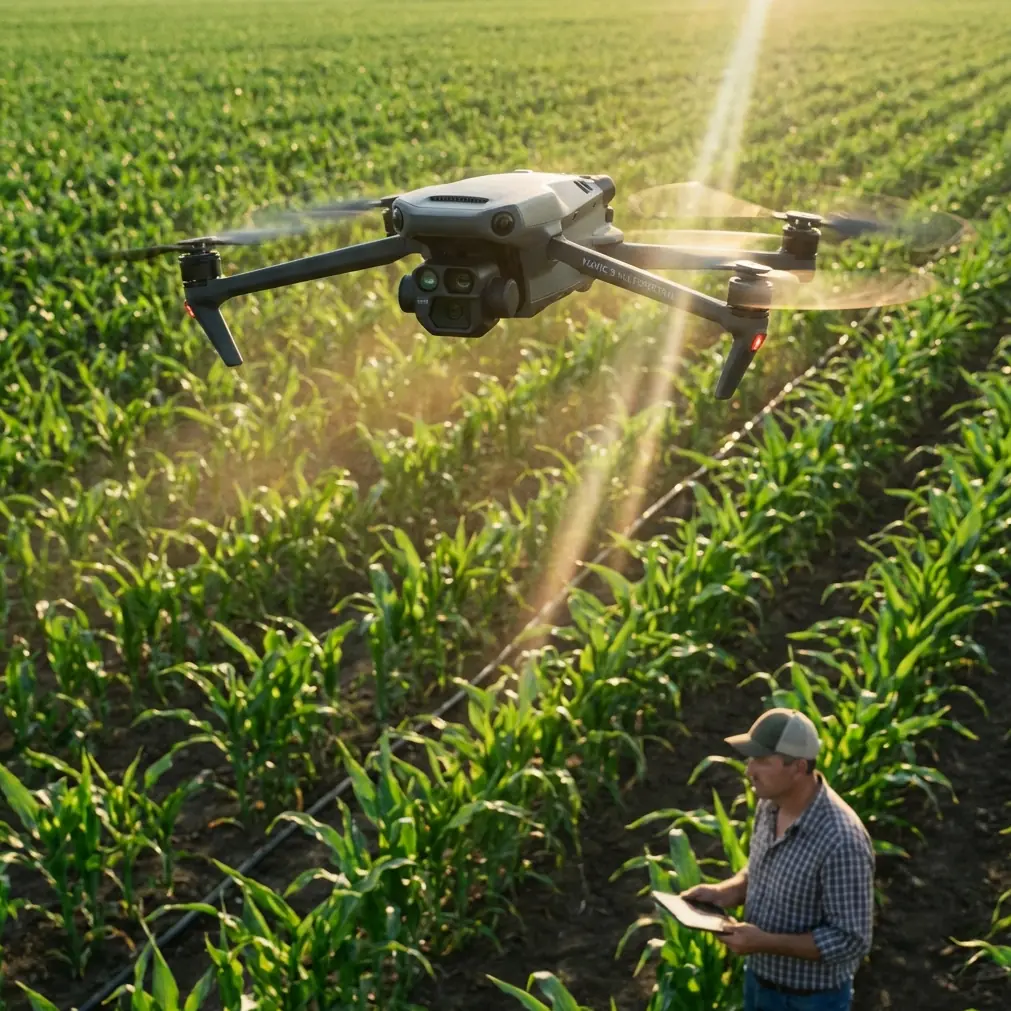
Mavic 3M: Master Forest Mapping in Windy Conditions
META: Learn proven techniques for accurate forest mapping with the Mavic 3M in challenging wind conditions. Expert tips for RTK stability and flight planning.
TL;DR
- Wind speeds up to 12 m/s are manageable with proper Mavic 3M configuration and flight planning
- RTK Fix rate stability requires strategic base station placement and pre-flight calibration routines
- Battery management in cold, windy forest environments demands specific warming protocols
- Multispectral data quality depends on consistent altitude maintenance despite gusts
Why Wind Challenges Forest Mapping Operations
Forest mapping operations rarely happen in perfect weather. You're dealing with unpredictable gusts channeling through tree canopies, thermal updrafts from sun-heated clearings, and pressure differentials that can destabilize even the most capable drones.
The Mavic 3M handles these challenges better than most platforms in its class. But "handles" doesn't mean "ignores." Understanding how wind affects your mapping accuracy—and what you can do about it—separates professional-grade deliverables from unusable data.
I learned this lesson during a 47-hectare timber inventory project last fall. Three batteries into the mission, rising winds turned what should have been routine orthomosaic capture into a masterclass in adaptive flight planning.
Pre-Flight Wind Assessment Protocol
Reading Conditions Before Launch
Before powering up your Mavic 3M, spend 10-15 minutes observing wind patterns at your site. Forest environments create localized turbulence that weather apps simply cannot predict.
Watch for these indicators:
- Canopy movement patterns at different heights
- Dust or debris movement in clearings
- Sound changes indicating gust frequency
- Cloud shadow movement speed across the terrain
The Mavic 3M's onboard sensors detect wind speed during flight, but reactive adjustments always cost you battery life and data consistency. Proactive planning wins every time.
Establishing Wind Thresholds
The Mavic 3M maintains stable flight in winds up to 12 m/s sustained, with gust tolerance reaching 15 m/s. For precision mapping work, I recommend more conservative limits:
| Wind Condition | Recommended Action | Expected Impact |
|---|---|---|
| 0-5 m/s | Standard operations | Optimal data quality |
| 5-8 m/s | Reduced flight altitude | Minor overlap adjustments needed |
| 8-10 m/s | Increased overlap settings | 15-20% more flight time required |
| 10-12 m/s | Mission segmentation | Consider postponement |
| >12 m/s | Ground operations | Postpone aerial work |
Expert Insight: Wind speed at ground level often differs dramatically from conditions at your mapping altitude. In forested areas, expect 30-50% higher wind speeds above the canopy compared to launch site readings.
RTK Configuration for Wind-Stable Positioning
Achieving Consistent Fix Rate
Your RTK Fix rate determines whether you're capturing centimeter precision data or wasting flight time on unusable imagery. Wind-induced platform movement directly impacts GNSS signal reception.
Configure your RTK settings for maximum stability:
- Set the RTK convergence timeout to 120 seconds minimum
- Enable multi-constellation reception (GPS + GLONASS + Galileo + BeiDou)
- Position your base station on stable, elevated ground away from tree cover
- Verify Fix status before each flight segment, not just at mission start
The Mavic 3M's integrated RTK module maintains positioning accuracy even during moderate turbulence. However, rapid altitude changes from wind gusts can momentarily degrade fix quality.
Base Station Placement Strategy
In forest environments, base station placement becomes critical. Radio signal propagation through dense vegetation degrades RTK correction data quality.
Optimal placement checklist:
- Minimum 15-meter clearance from nearest tree canopy
- Elevated position relative to flight area
- Clear sky view of at least 300 degrees
- Protected from direct wind exposure to prevent tripod vibration
- Within 5 kilometers of furthest flight waypoint
Battery Management in Challenging Conditions
Here's the field experience tip that transformed my forest mapping efficiency: pre-warm your batteries before windy missions, but not in the way most pilots think.
Standard advice suggests keeping batteries warm in your vehicle or jacket. This works for casual flights. For professional mapping in wind, you need batteries at optimal operating temperature—not just "warm."
The Three-Stage Warming Protocol
Stage 1: Passive warming (30 minutes before flight) Store batteries in an insulated container with hand warmers. Target temperature: 20-25°C.
Stage 2: Active cycling (10 minutes before flight) Power on the Mavic 3M and run a 2-minute hover test. This generates internal heat through motor load and stabilizes cell chemistry.
Stage 3: Immediate deployment Launch your mapping mission within 5 minutes of the hover test. Battery temperature will be optimized for maximum discharge efficiency.
Pro Tip: In windy conditions, the Mavic 3M's motors work harder to maintain position, increasing power draw by 20-35% compared to calm conditions. Plan for 15-18 minutes of effective mapping time per battery rather than the theoretical maximum.
Cold Weather Compound Effects
Wind chill accelerates battery temperature loss during flight. A 10°C ambient temperature with 8 m/s wind creates effective conditions closer to 4°C for exposed battery surfaces.
Monitor your battery temperature telemetry throughout each flight. If readings drop below 15°C, reduce aggressive maneuvers and consider landing early to preserve cell health.
Flight Planning Adjustments for Wind
Overlap and Sidelap Modifications
Standard forest mapping typically uses 75% forward overlap and 65% sidelap. Wind conditions demand adjustments to maintain consistent ground coverage.
Recommended wind-adjusted settings:
- Forward overlap: Increase to 80-85%
- Sidelap: Increase to 70-75%
- Flight speed: Reduce by 15-20% from standard
- Swath width: Narrow by one setting level
These modifications increase total flight time but dramatically improve stitching success rates in post-processing.
Altitude Considerations
The Mavic 3M's multispectral sensor performs optimally at specific ground sampling distances. Wind-induced altitude variations compromise data consistency.
For forest canopy mapping in wind:
- Set altitude hold to aggressive mode
- Plan flights at 80-100 meters AGL for canopy-top mapping
- Use terrain following with conservative buffer settings
- Avoid flights during peak thermal activity (typically 11:00-14:00)
Multispectral Data Quality in Turbulent Conditions
Sensor Stabilization Factors
The Mavic 3M's gimbal system compensates for platform movement, but rapid corrections can introduce subtle blur in multispectral captures. This affects vegetation index calculations downstream.
Maintain data quality by:
- Allowing 3-5 seconds of stable hover before starting capture runs
- Flying perpendicular to prevailing wind direction when possible
- Using burst capture mode for critical data points
- Scheduling flights during predicted wind lulls
Calibration Panel Protocols
Reflectance calibration panels must remain stable during capture. Wind can shift lightweight panels, invalidating your calibration reference.
Secure panels using:
- Weighted corners (sandbags or rocks)
- Ground stakes through panel grommets
- Positioning in wind-sheltered locations
- Multiple panel captures at mission start and end
Common Mistakes to Avoid
Ignoring localized turbulence zones: Forest edges, clearings, and ridgelines create predictable turbulence. Map these areas first while batteries are fresh.
Maintaining standard flight speeds: The Mavic 3M can fly at 15 m/s, but wind mapping demands 8-10 m/s maximum for consistent data capture.
Skipping pre-flight hover tests: A 30-second hover reveals wind conditions at altitude that ground observations miss entirely.
Using summer flight plans in winter: Cold batteries plus wind resistance equals dramatically reduced flight times. Recalculate coverage expectations.
Neglecting IPX6K limitations: The Mavic 3M's weather resistance handles rain and dust, but sustained wind-driven precipitation can still compromise sensor optics.
Frequently Asked Questions
Can the Mavic 3M maintain RTK Fix in gusty conditions?
Yes, the Mavic 3M maintains RTK Fix status in gusts up to 15 m/s when properly configured. However, rapid position corrections during strong gusts may momentarily degrade fix quality to Float status. Allow 10-15 seconds for re-convergence before resuming precision capture work.
How does wind affect multispectral band alignment?
Wind-induced platform movement can create slight misalignment between spectral bands captured in sequence. The Mavic 3M's simultaneous four-band capture minimizes this issue, but post-processing alignment verification remains essential for vegetation index accuracy.
What's the minimum battery temperature for windy forest mapping?
Maintain battery temperatures above 15°C throughout flight operations. Below this threshold, internal resistance increases significantly, reducing available power precisely when wind conditions demand higher motor output. Pre-warming protocols and insulated battery cases help maintain optimal temperatures.
Your Next Forest Mapping Mission
Windy conditions don't have to ground your forest mapping operations. With proper preparation, adjusted flight parameters, and realistic expectations, the Mavic 3M delivers professional-grade multispectral data even when conditions are less than ideal.
The key lies in understanding how wind affects each component of your workflow—from battery chemistry to RTK stability to sensor calibration. Master these variables, and you'll capture usable data on days when other operators stay home.
Ready for your own Mavic 3M? Contact our team for expert consultation.